Driver cannot load / Unable to load driver
Follow these steps to fix driver loading issues.
All virus protection needs to be disabled via D control.
5) Disable Vulnerable Driver Blocklist
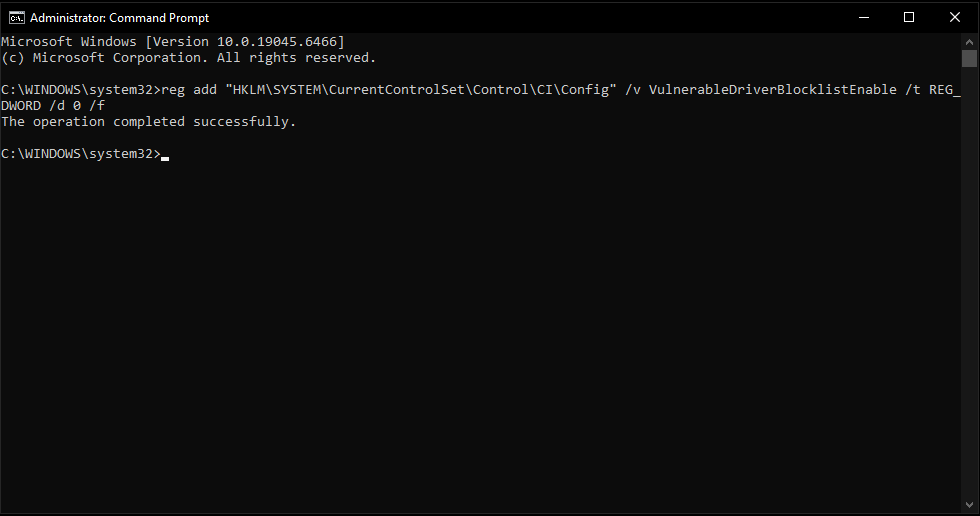
- Open CMD as administrator and paste this command:
reg add "HKLM\SYSTEM\CurrentControlSet\Control\CI\Config" /v VulnerableDriverBlocklistEnable /t REG_DWORD /d 0 /f
- Restart PC and try again.
What it should look like after complete:
If that doesn't work, do this:
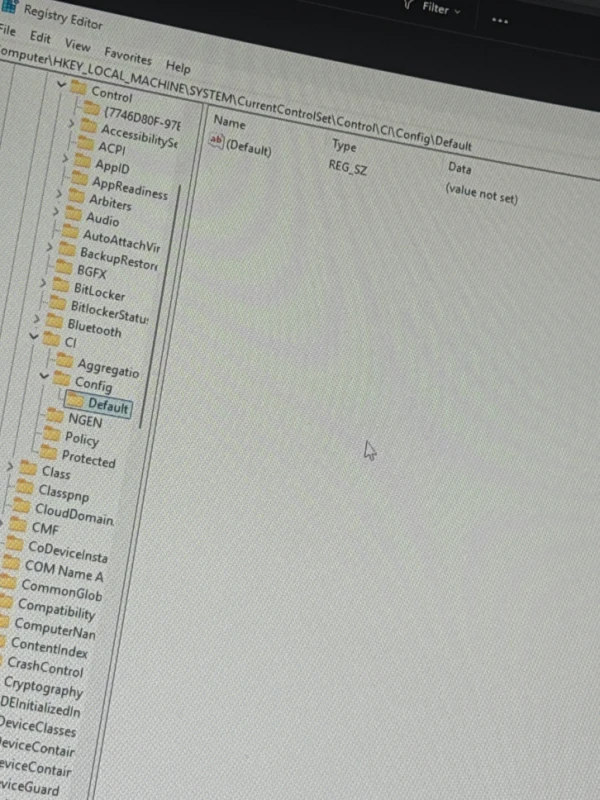
- Open Registry Editor
- Navigate to:
Ordinateur\HKEY_LOCAL_MACHINE\SYSTEM\CurrentControlSet\Control\CI\Config - Right-click on the white space → Create a DWORD (32 bits) value
- Name it VulnerableDriverBlocklistEnable
- Set the value to 0
- Restart PC and try again
Picture of what it should look like: